Soft Assertions in Playwright (expect.soft): Why They Matter + Examples
 By Faruk Hasan
What Is an Assertion?
An assertion is a check that compares:
Happy testing!
Boost Your Productivity
Monitoring multiple failures with soft assertions is great, but monitoring them from your browser toolbar is even better. Check out my Playwright Browser Extension to see your test status at a glance. Learn more here.
Example:
expect(title).toBe("Home");This means: "I expect the page title to be ‘Home’. If it is not, fail the test."
Assertions are the core of any automated test. Without assertions, a test only performs actions but never validates results.
Hard Assertions (Default Behavior)
By default, Playwright uses hard assertions.
expect(value).toBe(10);How hard assertions work:
- If the assertion fails → the test stops immediately.
- The remaining steps in that test never run.
- Only the first failure is reported.
The Problem with Hard Assertions
Playwright assertions are usually hard assertions—meaning the test stops as soon as one assertion fails. That’s fine for critical logic checks, but it can slow down debugging when you want to validate multiple UI elements on a page.
Here’s a simple test with three assertions. These are hard assertions (the default behavior).
import { test, expect } from "@playwright/test";

test("Homepage validations (hard assertions)", async ({ page }) => {
  await page.goto("https://example.com");

  expect(await page.textContent("h1")).toBe("Welcome");   // Assertion 1
  expect(await page.isVisible("#login")).toBe(true);      // Assertion 2
  expect(await page.isVisible("#signup")).toBe(true);     // Assertion 3
});- The test stops immediately.
- Assertion 2 and Assertion 3 never run.
- You only see the first failure in the report.
The key issue: you do not know whether the other two checks were passing or failing—because the test ended early.
Why Debugging Becomes Slow
Let’s say you fix the first failing assertion and run the test again.
Run #1
- Assertion 1 fails ❌
- Test stops
- Assertions 2 and 3 are skipped
Run #2 (after fix)
- Assertion 1 passes ✅
- Assertion 2 fails ❌
- Test stops again
- Assertion 3 is still skipped
This creates a slow loop: Fix → Run → Find next failure → Fix → Run again. It’s especially painful when you’re validating a UI page with many checks.
The Solution: expect.soft()
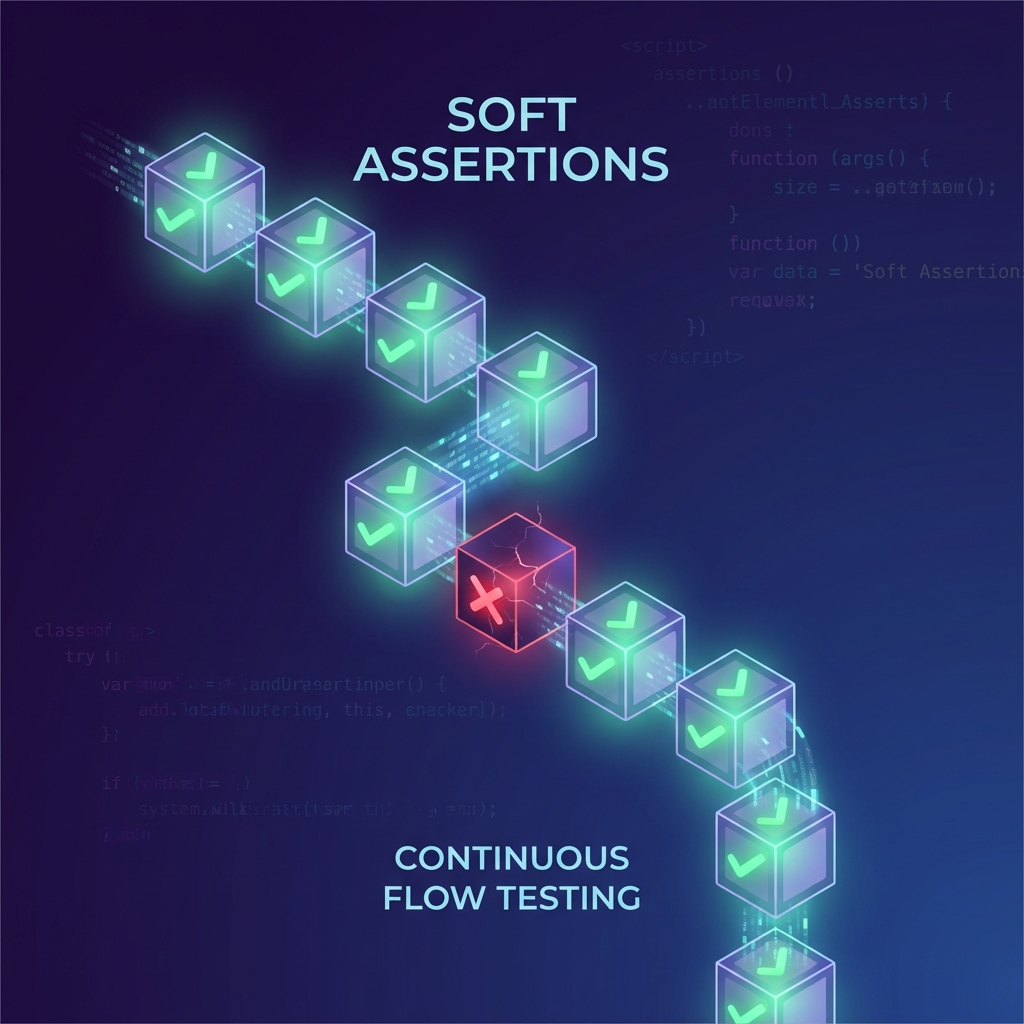
Soft assertions tell Playwright: "If this fails, record it—but keep going."
import { test, expect } from "@playwright/test";

test("Homepage validations (soft assertions)", async ({ page }) => {
  await page.goto("https://example.com");

  expect.soft(await page.textContent("h1")).toBe("Welcome");
  expect.soft(await page.isVisible("#login")).toBe(true);
  expect.soft(await page.isVisible("#signup")).toBe(true);
});- If the first assertion fails, the test continues.
- Playwright runs assertion 2 and 3 anyway.
- At the end, you get a report showing all failures together.
Important: if any soft assertion fails, the test is still marked as FAILED—you just get more useful feedback in one run.
When to Use Soft vs Hard Assertions
Use Soft Assertions For:
- UI validation (multiple checks on one page)
- Regression verification (collect all issues in one run)
- Dashboards, reports, content-heavy pages
Use Hard Assertions For:
- Critical flow checks (e.g., login must succeed before continuing)
- API/logic validations where continuing doesn’t make sense
- Any step where failure should stop the rest of the test
Best Practice: Mix Them
A simple strategy that works well:
- Hard assertion for the critical step (example: "Login succeeded").
- Soft assertions for page validation after that (example: "UI elements are visible").
Hard assertions stop a test early.
Soft assertions keep the test running and collect all failures—making debugging much faster.